Convertix tutorial
Move a database between MySQL/MariaDB and Microsoft SQL Server as a guarded job. License Convertix on the site. This is not a daily query — it copies schema and data.
Before you start
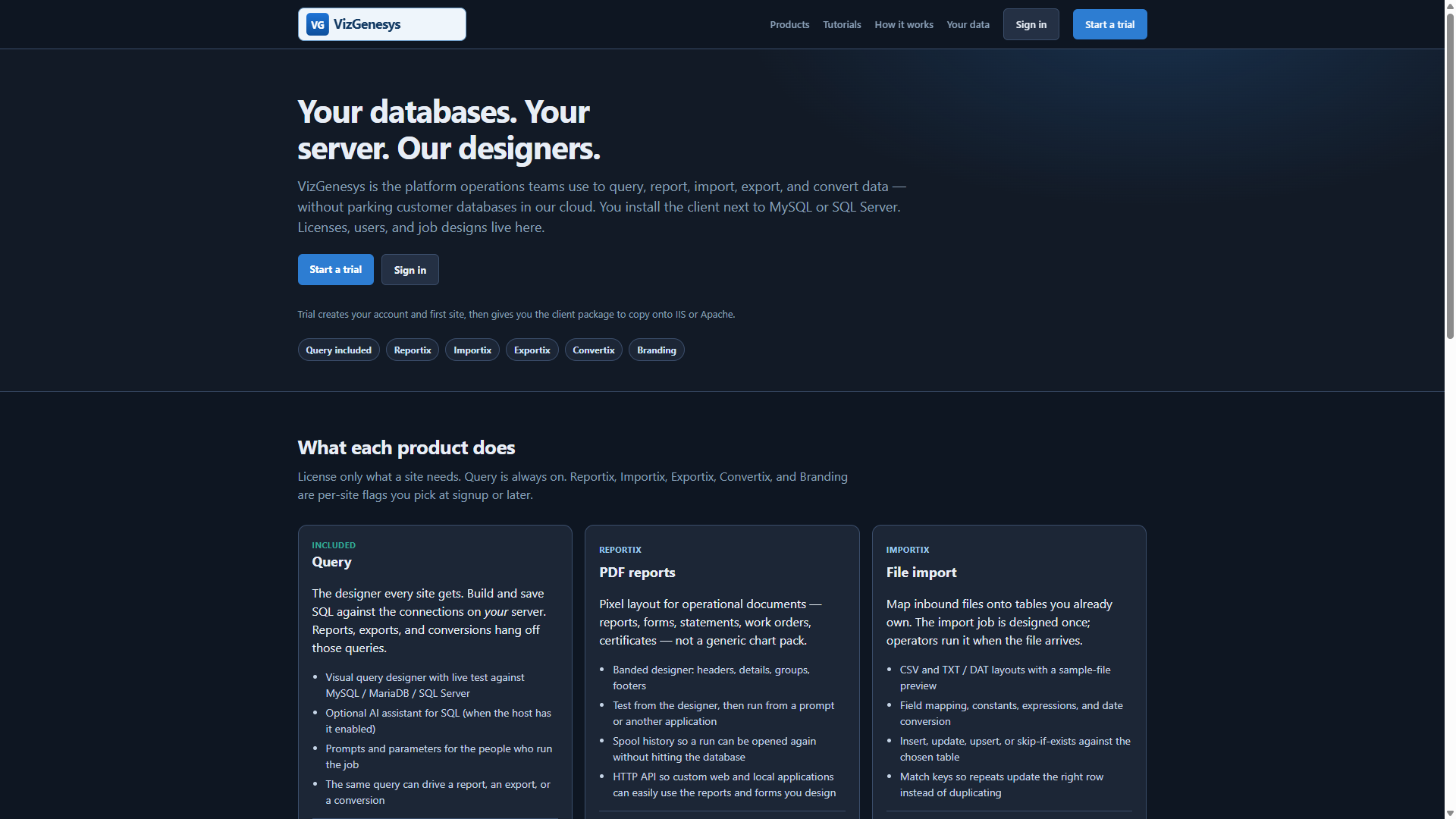
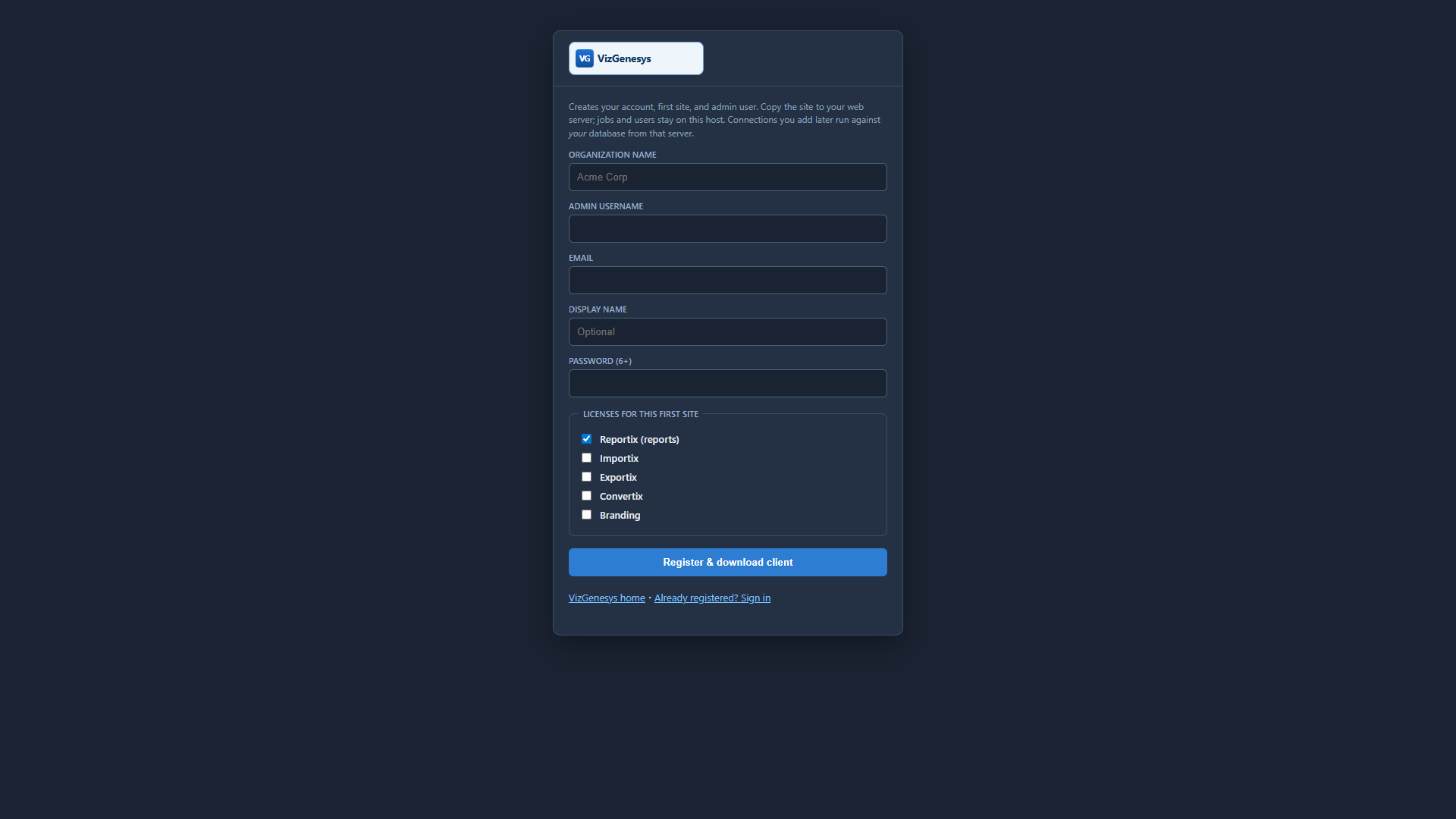
Register or log into the main VizGenesys website at www.vizgenesys.com. Set up your company. Click Sites and set up or add a new site. Click Download and download the client-side package.
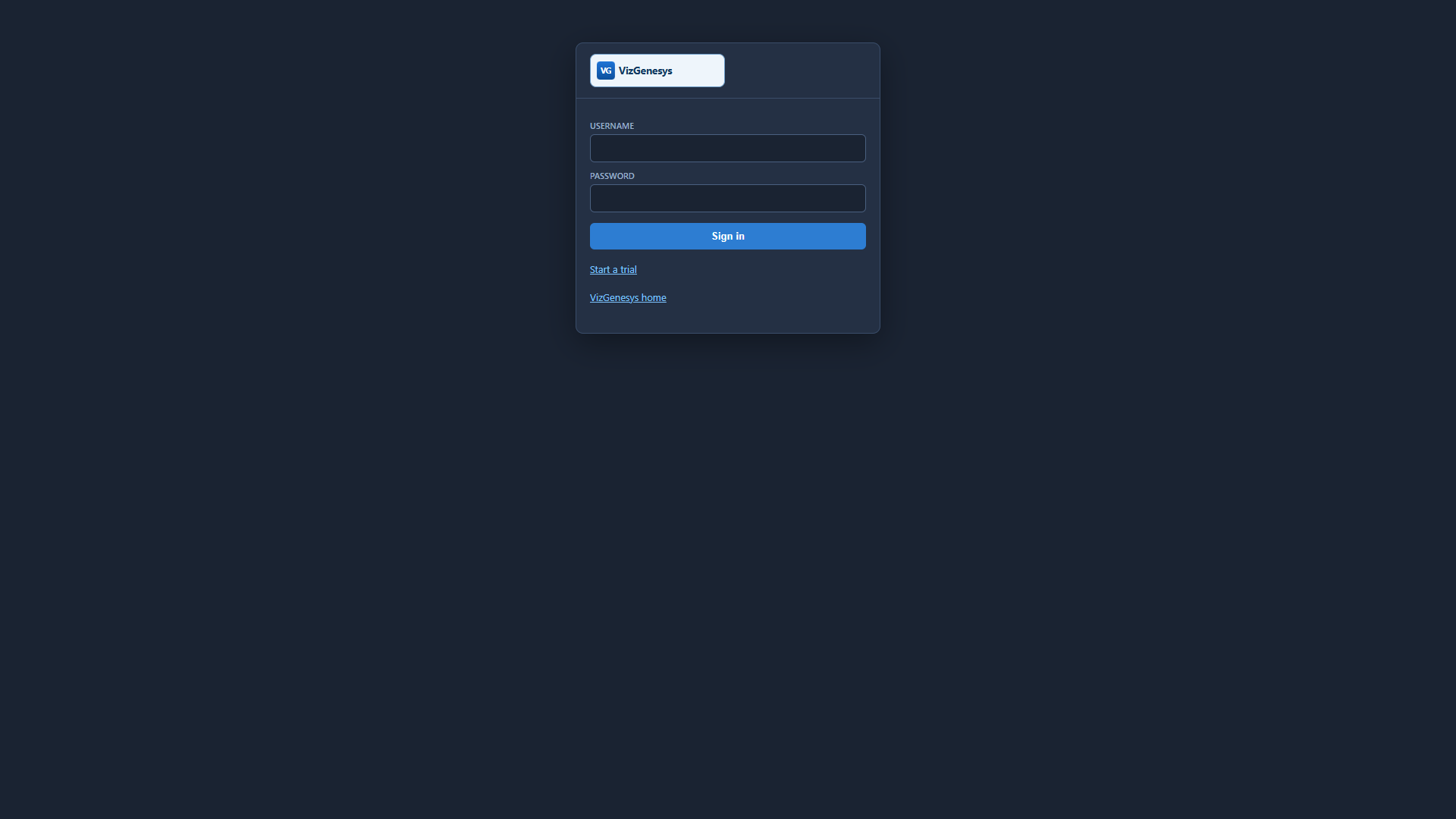
Unzip the package and copy the entire vizgenv4 folder to your target web server. Go to http://yourserver/vizgenv4/ and log in with that same username and password.
- Click the Connections tab and add connections to your database servers (MySQL / MariaDB or Microsoft SQL Server). These connection details remain on your server. They are not stored on vizgenesys.com or any other server. Save the connection. If the details are correct you will see that you have an active connection to that database server.
- Click Users & Groups. Select a user (your first user is the site administrator). Edit the user and select which connections and SQL types that user is allowed to use.
- Click Misc and tailor theme, branding, and the data folder to your environment if desired.
- Click Jobs and add your first conversion.
Four steps in the designer
- Connections — source and target must both exist on Dashboard → Connections (the engines can differ).
- Database — pick what you are copying from, and the name that will be created or loaded on the target.
- Schema mapping — review tables and types. Convertix creates the target database, tables, and primary keys, then copies rows in chunks, then secondary indexes.
- Run — watch the log. A destructive run (wipe/replace the target) requires an owner/admin and typing the target database name to confirm.
Practice first
- Use a throwaway target name until the mapping looks right.
- Confirm character sets and decimal types on a small database before a production cutover.
- SQL that reports use after the move may need a copy of those jobs onto the new connection (Query/Report Copy to…).
Convertix runs entirely on your client. The host only stores the conversion job design and who is allowed to fire it.
More: all tutorials · HTTP API (PHP, VB, C)