HTTP API — PHP, VB.NET, and C
Custom web and local applications can list jobs and run the reports, forms, imports, and exports you designed. All of this talks to your client install, not to vizgenesys.com.
Before you start
Register or log into the main VizGenesys website at www.vizgenesys.com. Set up your company. Click Sites and set up or add a new site. Click Download and download the client-side package.
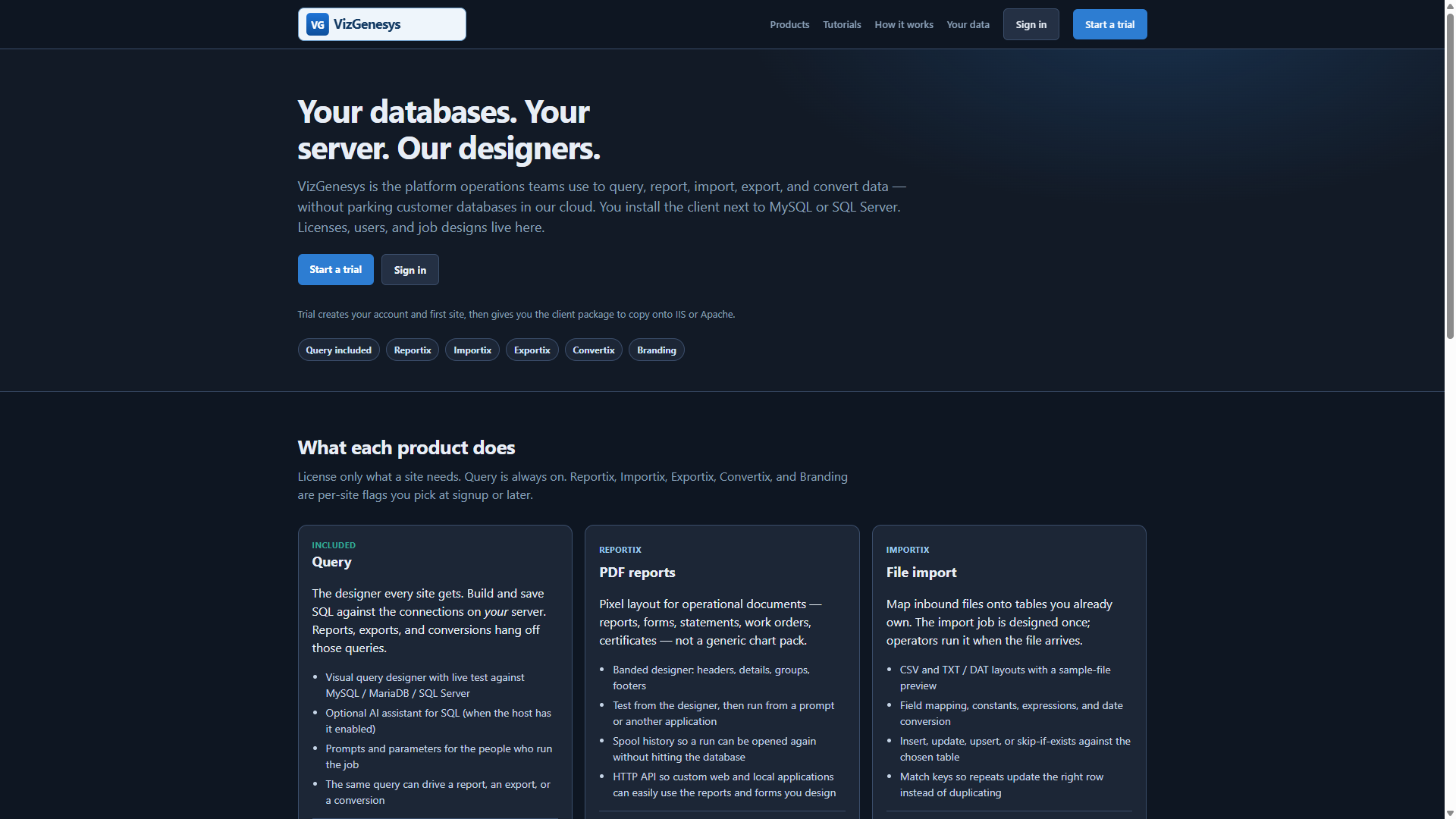
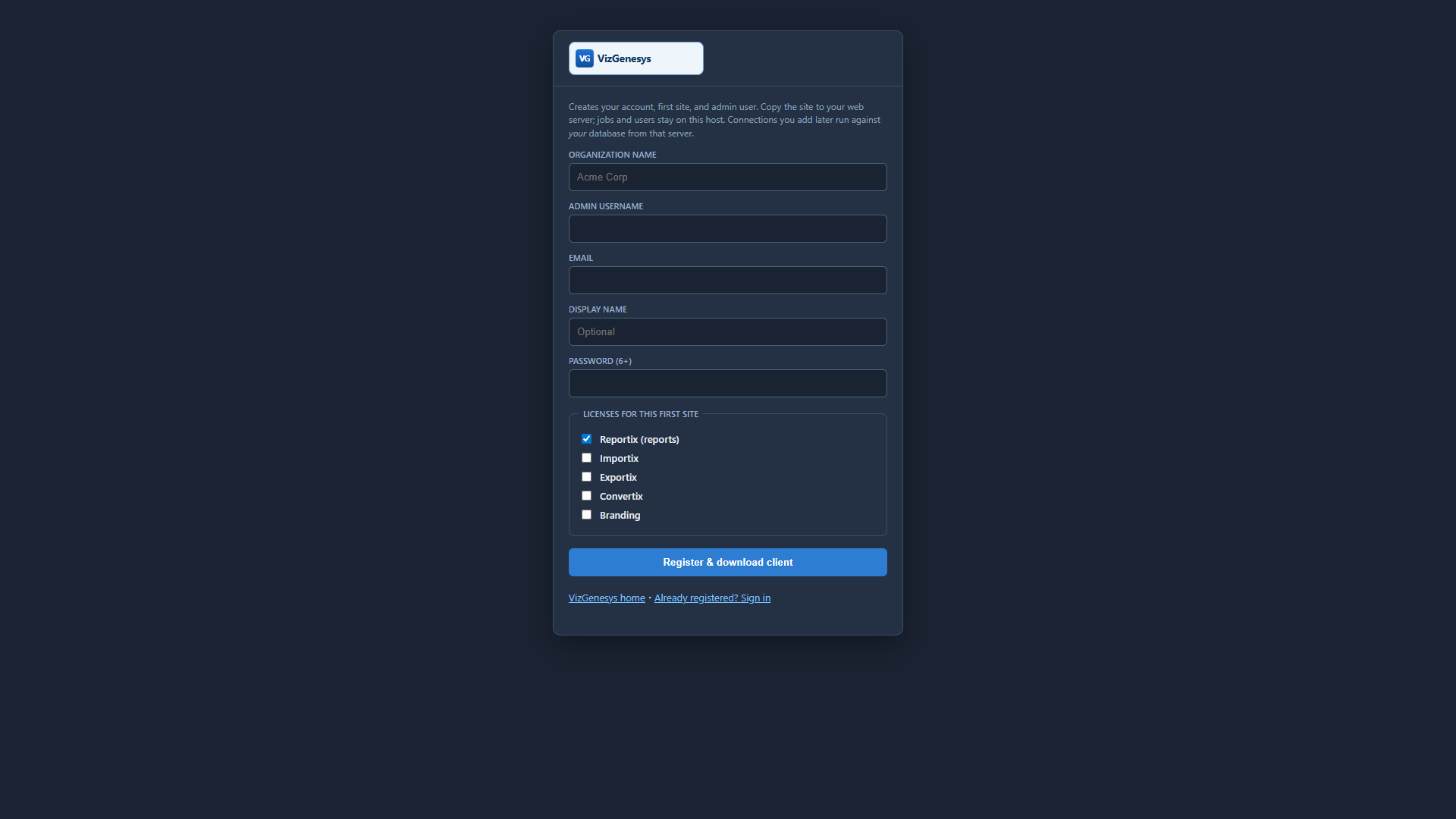
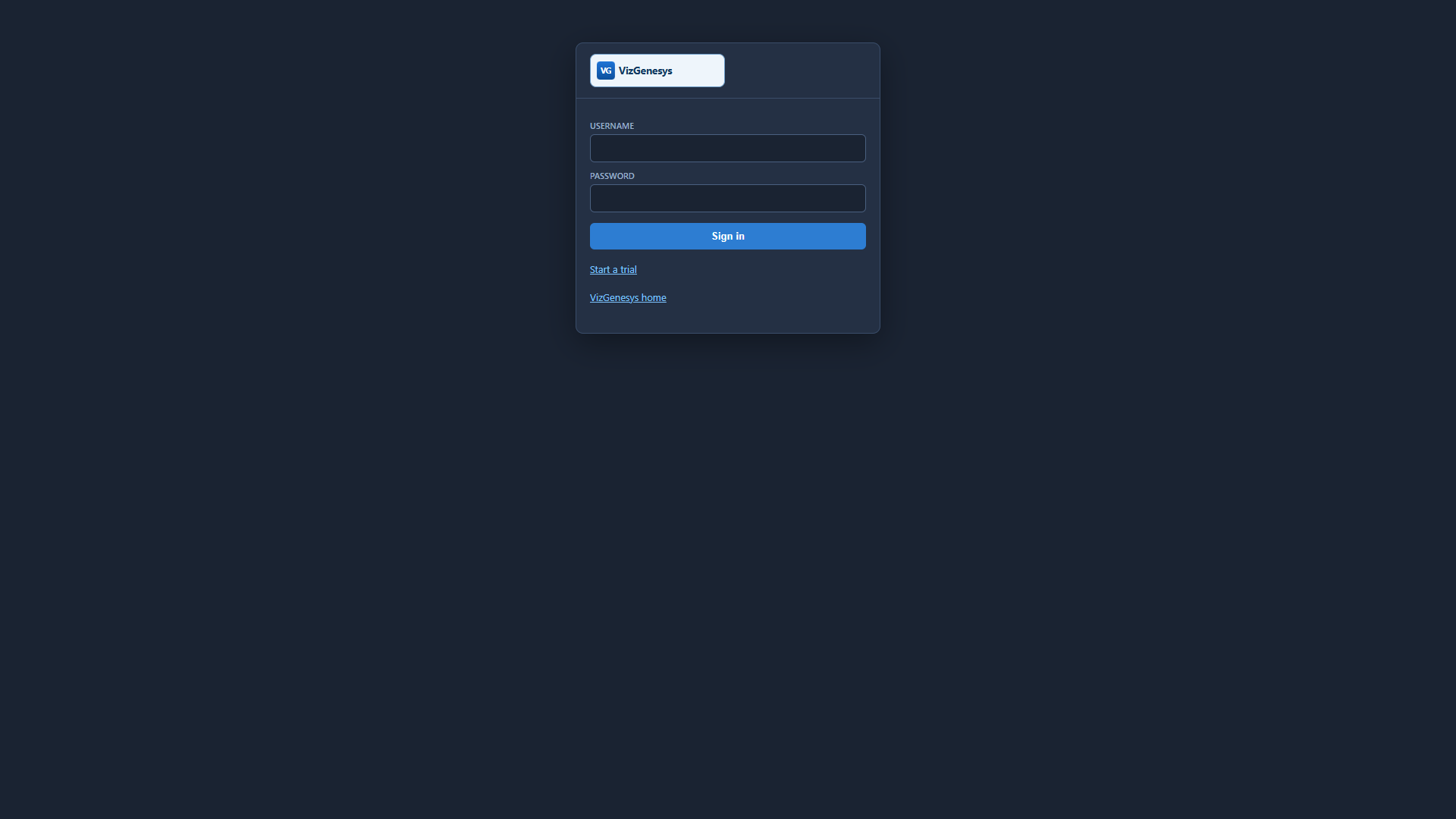
Unzip the package and copy the entire vizgenv4 folder to your target web server. Go to http://yourserver/vizgenv4/ and log in with that same username and password.
- Click the Connections tab and add connections to your database servers (MySQL / MariaDB or Microsoft SQL Server). These connection details remain on your server. They are not stored on vizgenesys.com or any other server. Save the connection. If the details are correct you will see that you have an active connection to that database server.
- Click Users & Groups. Select a user (your first user is the site administrator). Edit the user and select which connections and SQL types that user is allowed to use.
- Click Misc and tailor theme, branding, and the data folder to your environment if desired.
- Click Jobs and add your first query.
Where to call
Base URL (folder name may differ if you renamed the install):
http://yourserver/vizgenv4/vg_reportix-runtime/public
- Integration key: Dashboard → License on the client. Copy it (or rotate if you never copied the full key). Pass it as
rtoken(query string, JSON body, orAuthorization: Bearer). Do not use the site key. Do not openconfig.php. - Job id: the number on Dashboard → Jobs.
- Connection: pass
connectionkeyfrom Dashboard → Connections (it does not change if you rename the display name). Optionaldbnameselects the catalog on that server.
Open a job in the browser for people: …/prompt.php?rtoken=YOUR_INTEGRATION_KEY&job=721. Use the JSON API below when your own program should run it. Rotating the integration key on License breaks old app copies of it; regenerating the site key does not.
List jobs
GET …/api/jobs.php?rtoken=YOUR_INTEGRATION_KEY&headertype=Report
headertype may be Query, Report, Import, or Export. Omit it for everything. Add &job=721 for one row.
Run a job
POST …/api/run.php
Content-Type: application/json

{
  "rtoken": "YOUR_INTEGRATION_KEY",
  "job": 721,
  "mode": "report",
  "connectionkey": "production",
  "dbname": "AppData",
  "json": 1
}
mode: report (PDF), export, or import (include import_text or multipart file). Add download=1 when you want file bytes instead of JSON with viewer URLs. Prompt answers go in answers / params the same way the prompt screen sends them.
Health check with no SQL: GET …/api/run.php?rtoken=YOUR_INTEGRATION_KEY&ping=1.
PHP
<?php
$base = "http://yourserver/vizgenv4/vg_reportix-runtime/public";
$token = "YOUR_INTEGRATION_KEY"; // Dashboard → License on the client

function vg_http($url, $json = null) {
    $ch = curl_init($url);
    $headers = array("Accept: application/json");
    if ($json !== null) {
        $headers[] = "Content-Type: application/json";
        curl_setopt($ch, CURLOPT_POST, true);
        curl_setopt($ch, CURLOPT_POSTFIELDS, json_encode($json));
    }
    curl_setopt_array($ch, array(
        CURLOPT_RETURNTRANSFER => true,
        CURLOPT_HTTPHEADER => $headers,
        CURLOPT_TIMEOUT => 120,
    ));
    $raw = curl_exec($ch);
    curl_close($ch);
    return json_decode($raw, true);
}

$list = vg_http($base . "/api/jobs.php?rtoken=" . rawurlencode($token) . "&headertype=Report");

$run = vg_http($base . "/api/run.php", array(
    "rtoken" => $token,
    "job" => 721,
    "mode" => "report",
    "connectionkey" => "production",
    "dbname" => "AppData",
    "json" => 1,
));
// $run["spool_viewer"] or $run["pdf_url"] on success
VB.NET
Imports System.Net.Http
Imports System.Text

Dim baseUrl = "http://yourserver/vizgenv4/vg_reportix-runtime/public"
Dim token = "YOUR_INTEGRATION_KEY"

Using http As New HttpClient()
    Dim listJson = Await http.GetStringAsync(
        baseUrl & "/api/jobs.php?rtoken=" & Uri.EscapeDataString(token) & "&headertype=Report")

    Dim body = "{""rtoken"":""" & token & """,""job"":721,""mode"":""report"",""connectionkey"":""production"",""dbname"":""AppData"",""json"":1}"
    Dim resp = Await http.PostAsync(baseUrl & "/api/run.php",
        New StringContent(body, Encoding.UTF8, "application/json"))
    Dim runJson = Await resp.Content.ReadAsStringAsync()
End Using
C (WinHTTP)
#include <windows.h>
#include <winhttp.h>
#include <string.h>
#pragma comment(lib, "winhttp.lib")

/* POST JSON to http://yourserver/vizgenv4/vg_reportix-runtime/public/api/run.php */
void vg_run_report(void)
{
    static const char *json =
        "{\"rtoken\":\"YOUR_INTEGRATION_KEY\",\"job\":721,\"mode\":\"report\","
        "\"connectionkey\":\"production\",\"dbname\":\"AppData\",\"json\":1}";

    HINTERNET ses = WinHttpOpen(L"VizGenesysClient/1.0",
        WINHTTP_ACCESS_TYPE_DEFAULT_PROXY, WINHTTP_NO_PROXY_NAME, WINHTTP_NO_PROXY_BYPASS, 0);
    HINTERNET con = WinHttpConnect(ses, L"yourserver", INTERNET_DEFAULT_HTTP_PORT, 0);
    HINTERNET req = WinHttpOpenRequest(con, L"POST",
        L"/vizgenv4/vg_reportix-runtime/public/api/run.php",
        NULL, WINHTTP_NO_REFERER, WINHTTP_DEFAULT_ACCEPT_TYPES, 0);

    WinHttpAddRequestHeaders(req,
        L"Content-Type: application/json\r\nAccept: application/json",
        (ULONG)-1L, WINHTTP_ADDREQ_FLAG_ADD);

    WinHttpSendRequest(req, WINHTTP_NO_ADDITIONAL_HEADERS, 0,
        (LPVOID)json, (DWORD)strlen(json), (DWORD)strlen(json), 0);
    WinHttpReceiveResponse(req, NULL);
    /* Read the JSON body with WinHttpReadData — look for spool_viewer / pdf_url */

    WinHttpCloseHandle(req);
    WinHttpCloseHandle(con);
    WinHttpCloseHandle(ses);
}
Any language that can GET/POST HTTP works the same way: integration key, job id, connection key. List with api/jobs.php; run with api/run.php.
More: all tutorials · HTTP API (PHP, VB, C)